Mystro now supports Bolt
 By Team Mystro
Bolt drivers, this one’s for you. Mystro now supports Bolt!
If you drive for Bolt, you already know the drill: an offer pops up, you get a few seconds to figure out if it’s worth it, and you’re doing that math while you’re supposed to be watching the road. Mystro takes that off your plate. It does the math for you, accepts the good offers, skips the bad ones, and lets you run Bolt and Uber side by side, all without you touching your phone.
Here’s what that looks like.
Know what every Bolt offer is really worth
A fare on its own doesn’t tell you much. A trip that looks good can turn into a money-loser once you count the drive to the pickup and the time it takes.
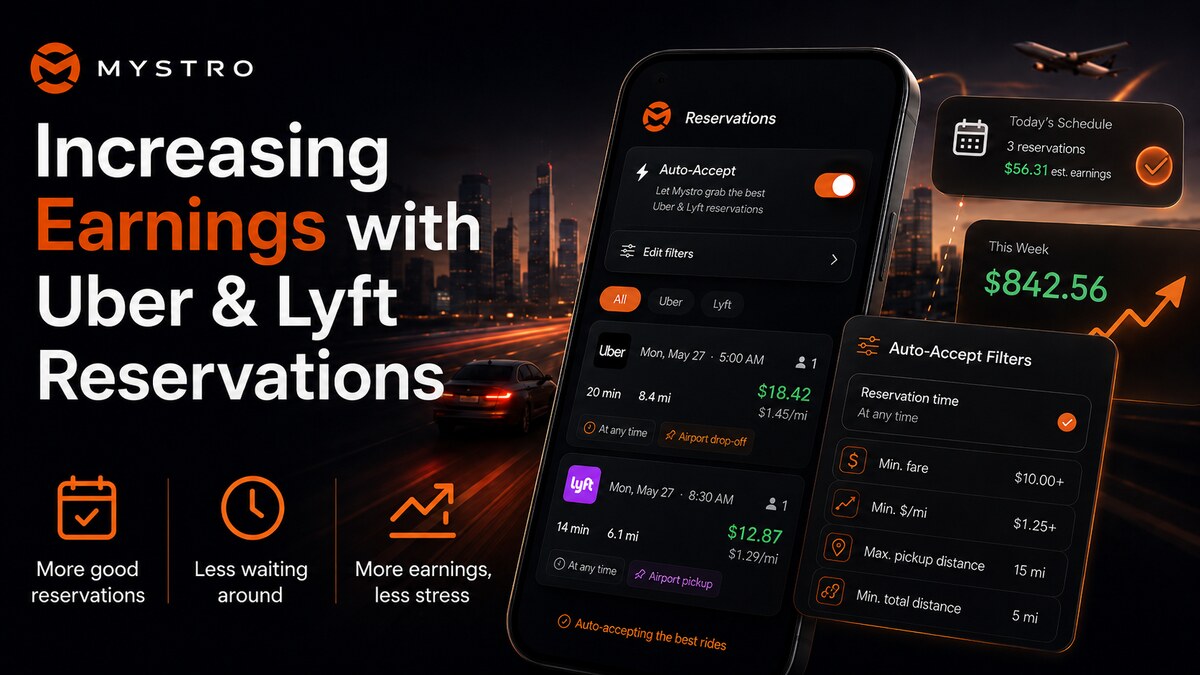
Mystro shows you the $/h and $/km for every incoming Bolt offer, front and center. The best offers stand out at a glance, so it’s easy to only accept the good ones and skip the bad ones. No more guessing, and no more mental math at a red light.
Set your filters once, let Mystro do the rest
Tell Mystro what a good trip looks like for you, and it handles every offer that comes in. You can set filters like:
- Zones: only take trips that start or end where you want to drive.
- Minimum pay: skip anything below the fare you’re willing to work for.
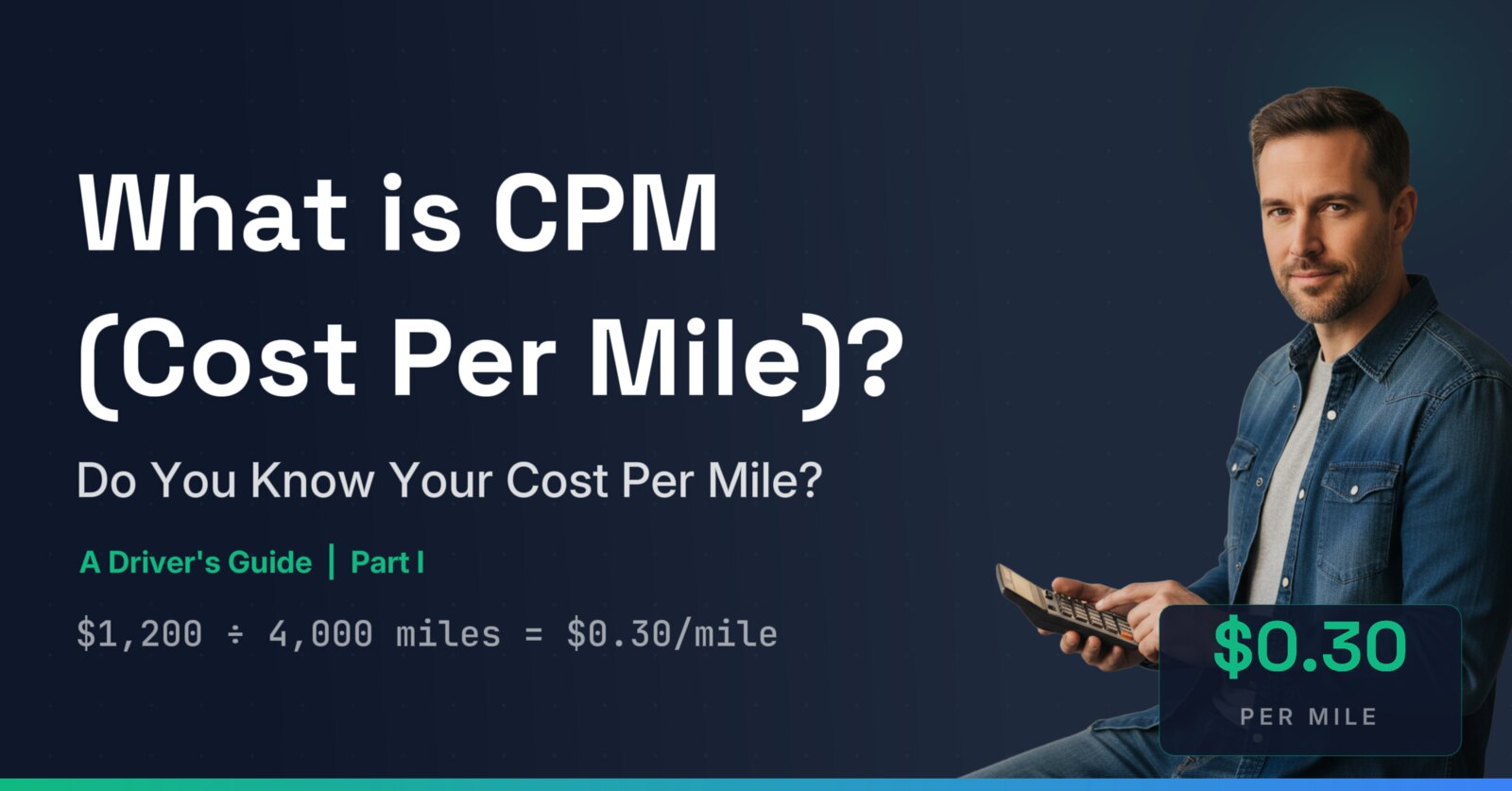
- $/h and $/km: set a floor so you never take a trip that doesn’t cover your costs. (Not sure what your number is? Try our cost-per-mile calculator.)
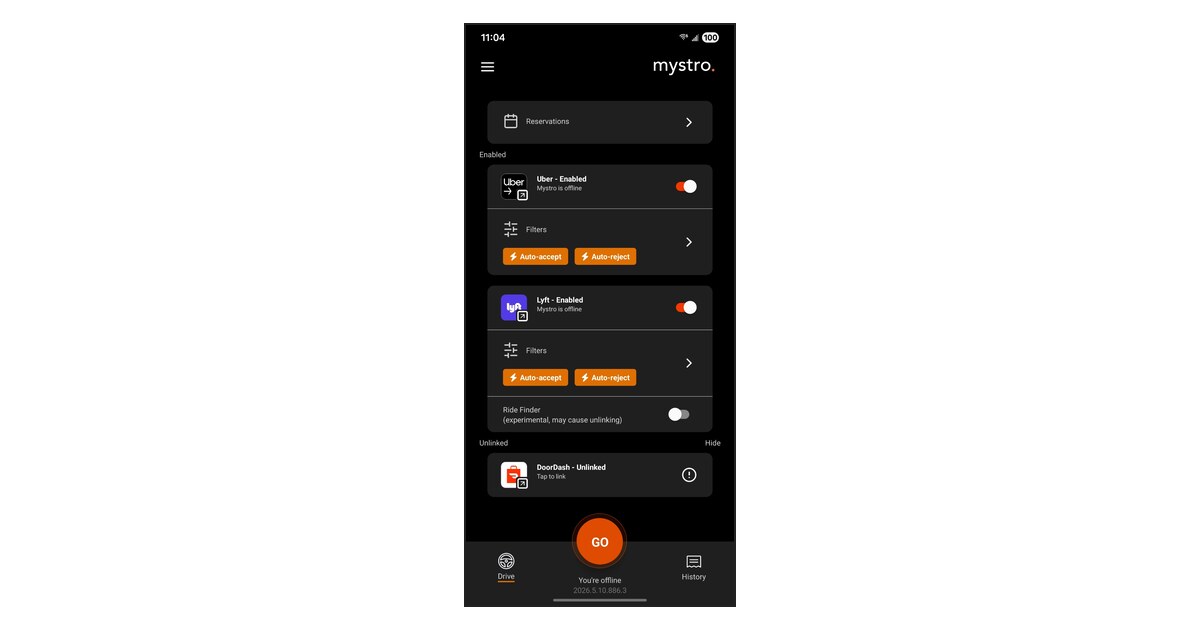
Then pick what happens: auto-accept the offers that pass your filters, auto-reject the ones that don’t, or both. Set it up once and you won’t have to think about it again.
Run Bolt and Uber at the same time
More apps online means more offers to choose from, and less time sitting idle. The problem is juggling them by hand.
With Mystro, one tap of the GO button takes both Bolt and Uber online. Offers from both apps show up in one place and get checked against your filters. When you accept a trip on one app, Mystro takes the other one offline so you don’t get double-booked, then brings it back online when you’re done. You just drive.
Keep your eyes on the road
Tapping and swiping between apps while you drive is stressful, and it’s dangerous. With Mystro handling the accepting, rejecting, and switching for you, there’s no need to even look at your phone. Your hands stay on the wheel, your eyes stay on the road, and the good trips keep coming in.
Ready to try Mystro with Bolt?
If you’re new to Mystro, our Getting Started guide walks you through linking your accounts and setting up your first filters. Then just link Bolt, set your filters, and hit GO.
Hope to see you on the road. Drive safe!