Best safety apps for rideshare drivers in 2026
Drive safe and smart.

The best safety apps for rideshare drivers are the ones that ask the least of you while the car's moving. For most drivers, that means audio navigation (Waze or Google Maps), a dashcam, and the emergency tools already built into Uber and Lyft. If you multi-app, add a tool that handles offer decisions for you. Here's why that last one matters: the biggest risk on most shifts isn't in the back seat. It's the offer card lighting up on your mount while you're merging, and the 10 seconds you get to decide.
Managing two apps at once constantly pulls your attention. An offer card lights up on the phone in the mount while you are mid-navigation. The card shows the fare, the pickup time, the distance, and the trip duration. You read those numbers and decide whether they clear your threshold, all within the platform's roughly ten-second acceptance window. You make that decision while operating a moving vehicle, and you do it dozens of times per shift.
Then there is the toggle. Accept a ride on one platform, then go offline on the other to protect your acceptance rate. Finish the drop-off, toggle back online, wait for the next ping. Every toggle is another moment of screen interaction while the car is moving. This is not a willpower problem. The apps themselves demand focus at the worst possible moments.
Mystro exists because that loop is structurally dangerous. It handles the accept-or-reject decision before you even have to look. But Mystro is one piece of a larger safety stack. Navigation apps, dashcam tools, emergency features built into the major platforms, and mileage trackers all play a role.
This guide covers every category, starting with the ones drivers actually use and finishing with how to combine them into a stack that keeps you safe and earning.
What's the biggest safety risk for rideshare drivers?
Most safety advice for drivers is about passengers: what to do when a rider gets aggressive, how to handle a sketchy pickup. Experienced drivers already have a plan for that. The drivers who stay safest also plan for the risk that shows up on every single shift: keeping their attention on the road while the apps compete for it.
A full-time driver faces dozens of offer decisions per shift, whether on Uber and Lyft together or on one app with tight filters. Each one pulls attention from the road. That's why smart drivers set up their tools before the shift starts, so the apps handle the busywork and they handle the driving. The apps that do this well are the ones that improve safety the most.
Want to learn which gig app pays the most? A 10-year veteran driver breaks down 8 apps.
Every driver runs navigation. Many run a mileage tracker. Fewer think about dashcams or emergency tools until something goes wrong. The apps below are sorted by how directly they reduce risk during a shift, with each one framed through its safety benefit first.
Good routing is safety infrastructure. If you know the route before the pickup, you do not spend the ride glancing at the screen for the next turn. Audio-first navigation handles directions through the car speakers, so your phone stays a passive display rather than an active demand on your attention.
App | Safety Benefit | Key Feature |
|---|---|---|
Waze | Community hazard alerts delivered as audio warnings for accidents and road closures | Real-time road condition data from millions of drivers |
Google Maps | Precise last-100-foot routing reduces hunting for building entrances while moving | Satellite view and lane guidance for complex pickups |
Both apps are free and both default to audio directions. The safety value is not the routing itself. It is that audio routing removes one more reason to look at the screen while driving. For rideshare drivers doing back-to-back pickups in unfamiliar neighborhoods, the difference between audio-guided and screen-dependent navigation adds up across an eight-hour shift.
Dashcam apps for incident documentation
Dashcam apps are the most underrepresented category in rideshare driver guides, and arguably the most straightforward safety tool available. They run passively. You set them up before the shift and forget about them. Zero interaction while driving, zero distraction.
Dashcams built for rideshare drivers, like Nexar, record the road and the cabin at the same time, detect incidents automatically, and let you pull up clips from your phone. The footage creates a timestamped record of what happened during a disputed ride, a fender bender, or a false claim. Both platforms generally allow drivers to use dashcams. Check your local terms for specifics.
The key advantage for rideshare drivers specifically: dashcam footage protects against passenger-related complaints that would otherwise be your word against theirs. A timestamped video record settles disputes over route choices, property damage claims, and behavior complaints before they escalate to a platform review.
Emergency and incident alert apps
Both major rideshare platforms have built-in emergency features that many drivers never open until they need them. It is worth knowing what is already on your phone before the shift starts.
Tool | What It Does | Platform |
|---|---|---|
Emergency SOS | One-tap call to 911 with GPS location shared automatically | Uber and Lyft (both) |
Share My Trip / Smart Trip Check-in | Live GPS tracking shared with a trusted contact during every ride | Uber / Lyft |
RideCheck (Uber) / Smart Trip Check-in (Lyft) | Automatic detection of unusual stops, route deviations, or extended pauses, with a prompt to confirm you are OK | Uber / Lyft |
The platform-native tools cover the bulk of the passenger-incident risk, which is what many drivers think of first when they hear "rideshare safety." That risk is real and documented. But it is not the most common safety risk during a working shift. Distracted driving is.
Mileage tracking apps (the safety benefit is focus)
Automatic mileage tracking means one less thing running in the background of your brain during a shift. Drivers who manually log miles are carrying cognitive overhead that has nothing to do with driving.
App | Key Safety Benefit | Cost |
|---|---|---|
Stride | Automatic trip detection, no manual start/stop | Free |
Everlance | GPS tracking with automatic mileage classification | Free tier available |
Both apps log miles at the IRS standard rate of 72.5 cents per mile for 2026 [1]. Set them once and they run until the shift ends.
The safety app that runs itself
Every app above solves a real safety problem. Navigation keeps directions in your ears. Dashcams record without interaction. Emergency tools wait for the worst case. Mileage trackers remove mental overhead. They all share one trait: they are passive. Set them up, and they stay quiet.
Mystro is different because it removes the most dangerous active behavior in driving for two apps at once. The moment an offer comes in from Uber or Lyft, Mystro evaluates it against your preset rules. If the offer matches, Mystro auto-accepts or auto-rejects immediately. You do not need to look at the screen, read the offer card, or make a decision under time pressure.
For offers that do not match any preset rule, they appear with the platform's standard window, roughly ten seconds to accept or decline. That part is unchanged. What changes is that the majority of the accept-reject decisions, the ones that match a clear rule like a dollars-per-hour floor, happen without you lifting a finger.
The second piece is the app-switching loop. When Mystro accepts a ride on Uber, it toggles Lyft offline to protect the driver's acceptance rate. When the ride ends, it toggles Lyft back online. Manual multi-apping requires doing this toggle dance by hand, every single ride, while driving. That sequence of tap-switch-tap is where distracted driving lives for multi-app drivers.
Manual Multi-Apping | With Mystro | |
|---|---|---|
Offer evaluation | Read the offer card, do mental math, decide in ~10 seconds while driving | Mystro calculates $/hr and $/mi, checks against your preset rules, and decides instantly |
App switching | Manually toggle second app offline, then back on after drop-off | Automatic toggle, every ride, no driver action |
Acceptance rate | Risk of double-booking or missed offers tanking your rate | Protected automatically by the app-switching loop |
Screen attention | Glancing at two app screens throughout the shift | One screen, and most decisions are already made |
Cognitive load | Decision load + manual action load + driving | Driving only |
The safety argument and the earnings argument are the same argument. Hands-free automation keeps drivers focused on the road, and drivers who are focused on the road also happen to make better per-hour rates because they are not wasting time on manual workflows. Over 100,000 drivers worldwide use Mystro, and the typical user sees up to a 30 percent earnings increase. The safety improvement is baked into the same mechanism.
Put it this way: every second a driver spends glancing at a second screen, toggling an app offline, or doing mental math on a fare is a second they are not watching traffic. Mystro removes those seconds from the equation entirely for any offer that matches a preset rule.
No single app covers every safety angle. The drivers who stay safe and earn well are running a stack. The right combination depends on how you drive.
Driver Type | Safety Stack | Why It Works |
|---|---|---|
Full-Time Driver (Uber + Lyft, or single app with heavy filtering) | Mystro + Waze + dashcam app + Stride | Mystro removes the distracted-driving risk whether you are juggling two apps or filtering aggressively on one. Waze handles audio routing and hazard alerts. Dashcam runs passively for incident documentation. Stride logs mileage automatically. |
Part-Time Side Hustler (single app, weekends) | Waze + Share My Trip (Uber/Lyft built-in) + Stride | Simpler stack for occasional drivers. Audio navigation plus platform safety features plus automatic mileage tracking. |
New Driver (safety-first setup) | Waze + dashcam app + platform-native safety tools (RideCheck, Share My Trip) + Stride | Maximum passive coverage while learning the ropes. Dashcam and built-in platform tools handle the basics. Add Mystro once you are taking the work seriously, whether you run two apps or one. |
The full-time stack is built for the highest-risk scenario: long hours on the road with constant offer evaluation. That risk applies whether you run two apps simultaneously or rely on heavy filtering inside a single app. Every tool in that column is either passive (dashcam, mileage) or actively reducing screen time (Mystro, audio navigation). The part-time driver has a simpler safety profile because the offer cadence is lower, so platform-native features cover most of the risk.
New drivers benefit from starting with maximum passive coverage. A dashcam and the built-in platform safety features cost nothing and require no expertise. Once you are driving regularly enough that offer evaluation becomes a constant task, adding Mystro closes the distracted-driving gap, whether you are multi-apping or filtering inside a single app.
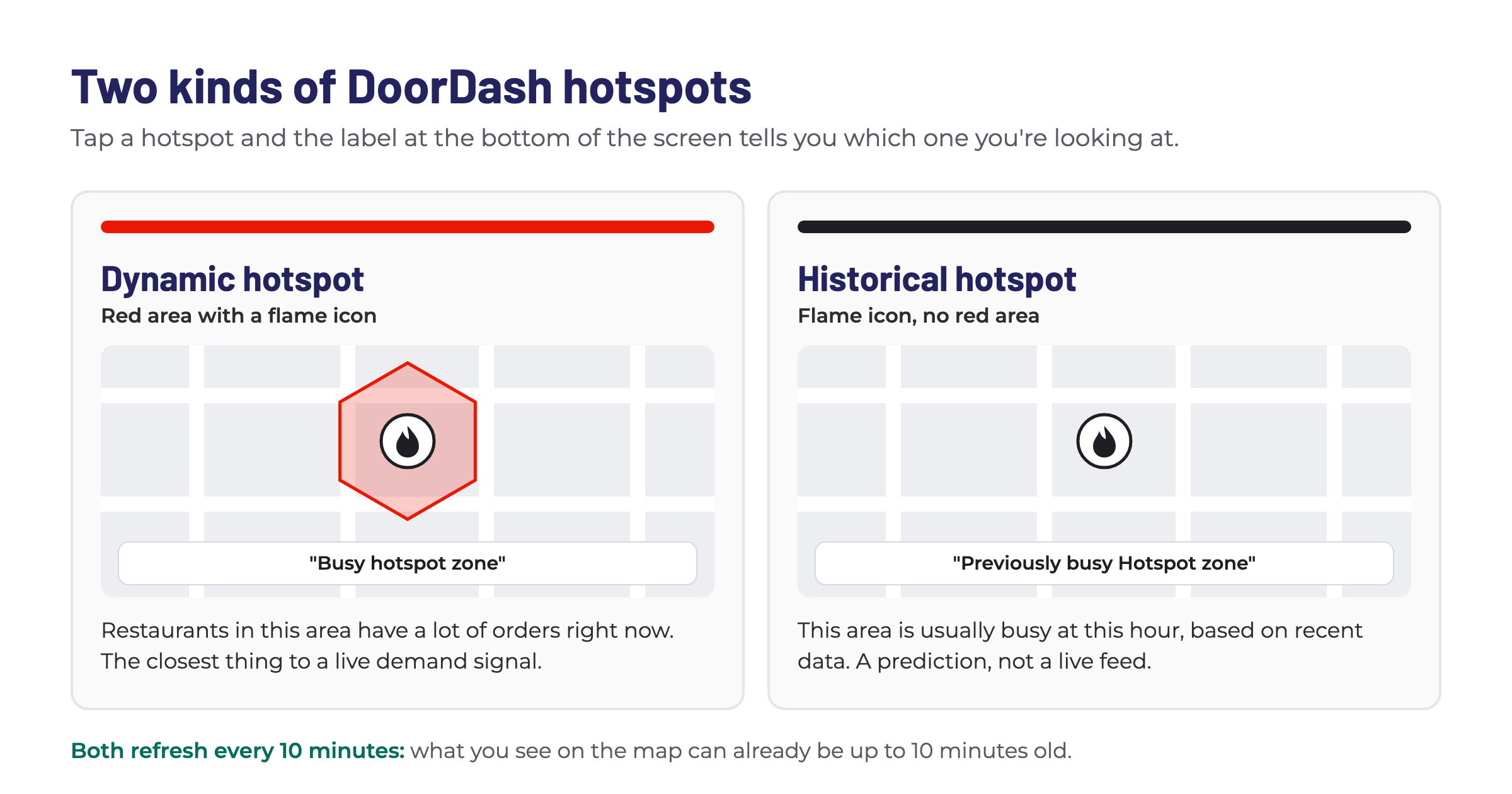
Drivers who run DoorDash alongside rideshare can add the Mystro DoorDash Heatmap, a free tool that shows restaurant offer density by hour. Pre-positioning in high-demand zones before the shift means fewer mid-shift detours and navigation decisions.
For a deeper look at the full driver app ecosystem beyond safety, see Mystro's guide to the best apps for managing multiple rideshare platforms.
Safety features built into Uber and Lyft
Before downloading anything, it is worth knowing what the platforms already provide. These features are active whether or not you run any third-party apps.
Feature | Platform | What It Does |
|---|---|---|
RideCheck | Uber | Trip monitoring that detects unusual stops, route deviations, or potential crashes and prompts the driver to confirm they are OK |
Emergency SOS | Uber and Lyft | One-tap 911 call with automatic GPS location sharing |
Share My Trip | Uber | Live GPS tracking shared with up to five trusted contacts during every ride |
Smart Trip Check-in | Lyft | Detects irregular ride patterns (off-route, unexpected stops, early cancellation) and contacts the driver to offer assistance |
Emergency Assistance | Lyft | Direct connection to 911 with ride details pre-loaded for the dispatcher |
Audio Recording | Uber (select markets) | In-app audio recording for dispute documentation |
These are the features you have whether you download anything else or not. They are worth knowing, and they are worth testing before you need them. Open the safety section of each app during a break, confirm your emergency contacts are set up, and make sure location sharing is active. RideCheck in particular runs automatically, so you do not need to activate it before each shift.
For most safety scenarios involving passengers, the built-in tools cover the basics. The gap they do not cover is the distracted driving risk that comes from managing the apps themselves. No platform feature prevents the need to evaluate an offer in seconds while going 35 miles per hour.
How can I stay safe while driving for Uber or Lyft?
The most effective safety stack combines audio navigation (Waze or Google Maps), a passive dashcam app for incident documentation, the emergency features already built into both platforms (RideCheck, live trip sharing, Emergency SOS), and automatic mileage tracking to remove cognitive overhead. Full-time drivers should add hands-free automation like Mystro to eliminate the distracted-driving risk that comes from evaluating offers in seconds while the car is moving, whether they are running two apps or filtering inside one.
Is it safe to look at my phone while driving for rideshare?
No. The phone should stay in a dashboard mount, and interactions with it should be minimized while the vehicle is moving. Audio navigation handles directions without screen checks. Mystro handles offer decisions automatically against your preset rules, whether you are running two apps or filtering on one, so the phone stays a passive display during the shift.
What is the safest way to manage multiple rideshare apps at once?
Manual multi-apping requires toggling between Uber and Lyft, reading offer cards, making accept-or-decline decisions in roughly ten seconds, and switching the second app offline during each ride. All of that while driving. Mystro automates the entire loop: it calculates $/hr and $/mi for every offer, auto-accepts or auto-rejects based on preset rules, and handles the app toggle. Your attention stays on the road.
Do Uber and Lyft allow dashcams?
Both platforms generally allow drivers to use dashcams in their vehicles. Some local jurisdictions have their own recording consent laws, so check the rules in your market. Interior-facing dashcams typically require a visible notice to passengers.
References
[1] Internal Revenue Service. "IRS Sets 2026 Business Standard Mileage Rate at 72.5 Cents per Mile." IRS, 2025. https://www.irs.gov/newsroom/irs-sets-2026-business-standard-mileage-rate-at-725-cents-per-mile-up-25-cents
This post first appeared in The Mystro Newsletter — driver tips, earnings strategies, and Mystro updates, in your inbox every week.