How to Filter Out Unprofitable Rideshare Trips
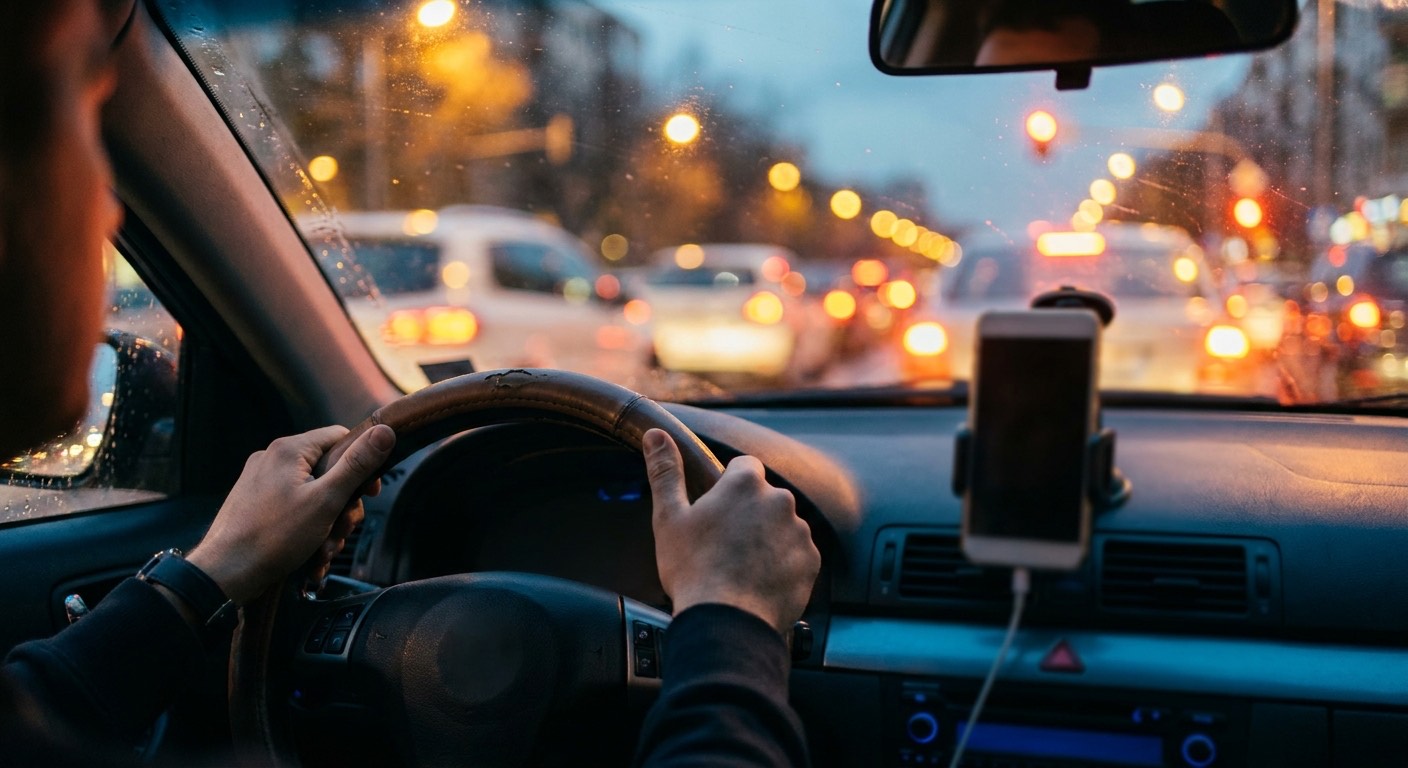
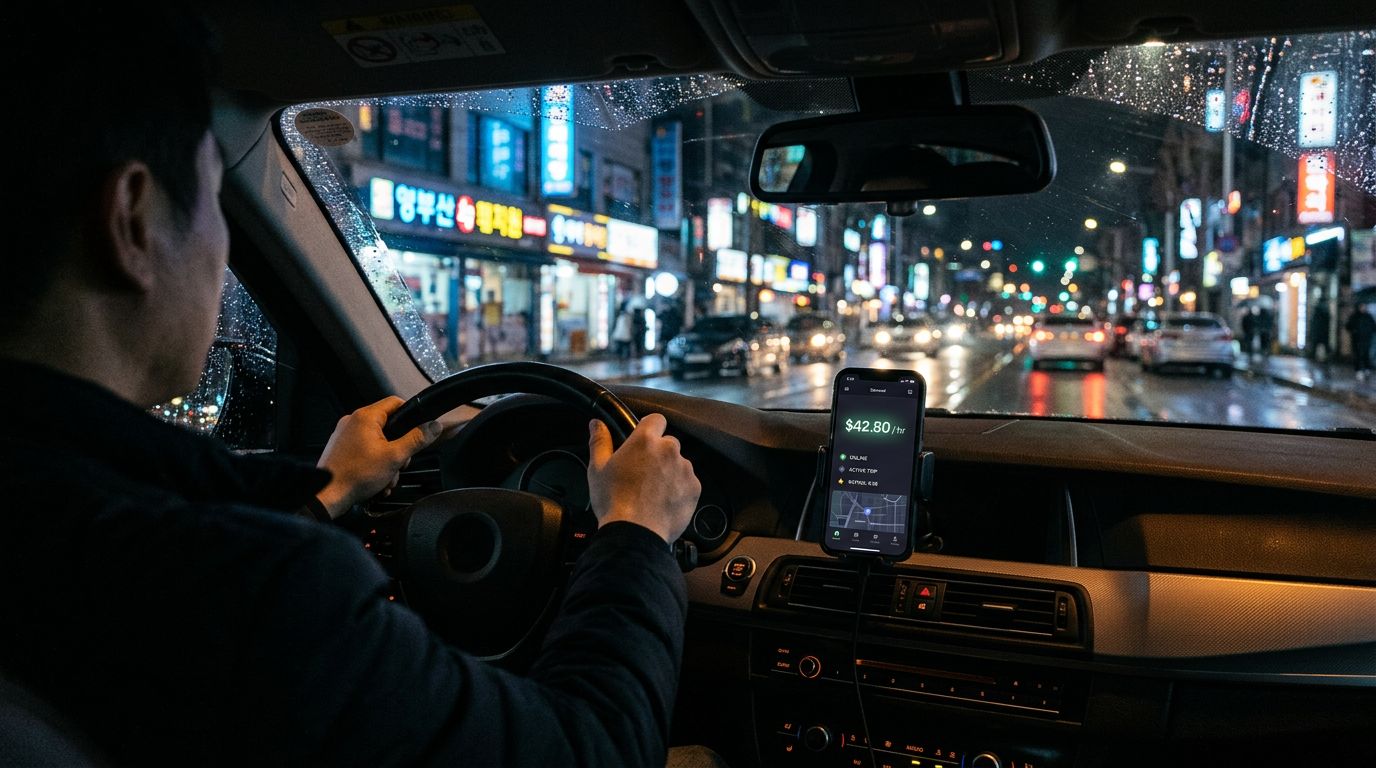
Two trip offers hit the screen at the same red light. Both are $10 fares. The first is an 11-minute trip — that pays $54 an hour. The second is 33 minutes — that pays $18 an hour. Same payout on the receipt, three-times pay swing in real earnings, and the only thing standing between the two outcomes is the dollars-per-hour math nobody has time to make in ten seconds while doing 65 down the highway [1].
Your single biggest earnings lever is not how many hours you work. It is which trips you accept. Every shift has profitable fares and traps sitting in the same inbox, and drivers who earn $22 to $24 an hour net while others on the same streets earn $14 to $15 are filtering aggressively [2]. Drivers who take every ping are the comparison group. (For the full set of levers, see our companion guide to increasing earnings as a rideshare driver.)
This guide walks through the math that makes a trip unprofitable, the native tools Uber and Lyft already give you, the filter rules that actually work, and where hands-free automation like Mystro fits in for multi-app drivers who want the decision made before the phone even lights up.
What Makes a Rideshare Trip Unprofitable
Profitability on a trip is not the fare. It is the fare divided by every minute you spend earning it, including the pickup. A $6 trip that takes 15 minutes end-to-end pays $24 an hour. The same $6 trip that takes 30 minutes pays $12 an hour. Same payout on the receipt, half the hourly rate in reality.
The four time-eaters that quietly turn a decent-looking fare into a loss:
- Long pickup distance. Pickup time is poorly compensated — Upfront Fares folds it into the displayed pay number, but it eats your hourly rate more than the fare adjustment makes up for. Driver researcher Levi Spires analyzed 184 consecutive Uber offers and found pickup time over 8 minutes almost always dropped a trip into the low-profit zone [1].
- Traffic-heavy destinations. Clubs at closing, airports at rush hour, downtown on a game night. The fare does not adjust for the hour you sit in traffic.
- Deadhead returns. Long trips that end in a dead zone where you cannot find another ride back. You earn once, drive twice.
- Wait time at pickup. The passenger who orders then finishes dinner. Unpaid until the clock runs out.
Most ping screens show fare, pickup street, drop-off street, pickup time, and trip time. They do not show traffic, deadhead risk, or how long you will actually sit at the curb. A good filter converts the visible cues into a dollars-per-hour estimate and rejects the obvious traps — pickup distance, low-fare-per-time offers, dead-zone dropoffs. Wait time at the curb is harder to predict; that risk you absorb on whatever trips you accept.
| Fare | Total time (pickup + trip) | Dollars per hour |
|---|---|---|
| $6 | 15 minutes | $24 |
| $14 | 45 minutes | $18.67 |
| $12.53 | 14 minutes | $53.70 |
The third row is a real offer from Spires' dataset. So is a $4.88 fare that ate 16 minutes at $18 an hour. The range between the two is the filter's job to catch.
The Decision Window You Actually Have
When a trip request lands, you get about ten seconds to decide on the platform's standard window. The screen shows the fare, the pickup and drop-off streets, the pickup time estimate, and the trip time estimate. It does not do the dollars-per-hour math for you.
Ten seconds is not enough to accurately weigh four variables while you are moving a 4,000-pound vehicle. The practical options are three:
- Accept everything and let volume carry the paycheck. This is the outcome for full-timers who do not filter.
- Run a fast mental heuristic. Works until fatigue compresses your judgment late in a shift.
- Pre-commit to a rule and let the rule decide, either by reflex or by automation.
The rest of this guide is about option three.
Native Platform Filters Every Driver Should Know
Both major platforms give drivers filtering tools. None of them auto-decline low-paying trips, but each one solves a narrower problem worth knowing.
Uber Upfront Fares
Upfront Fares shows estimated pay and the destination before you accept. It is rolled out across all US markets except New York. The tradeoff Uber has acknowledged in its own policy posts is that the pay model shifted from straight time-plus-mileage to an algorithmic calculation when upfront information arrived. Drivers got the info. The math became less predictable in exchange.
Uber Destination Filter
Set a destination and Uber only sends you trips heading the same general direction. Uber currently caps usage at a small number per calendar day (check the in-app limit for your market — it has shifted over time), and the filter does not function within roughly a mile or two of airports [4]. Best use is the start or end of a shift, especially if you commute into a busier market to drive. It cuts deadhead miles on the way home, which is the cleanest dollars-per-hour win most drivers can take without changing anything else.
Lyft Destination Mode
Similar mechanics. Set a destination, get trips heading that way, with a per-day cap in most markets — check your in-app limit. Useful for the same shift-bookending reason.
What none of these tools do: auto-decline based on an hourly-rate threshold, run rules across multiple platforms at once, or make the decision for you while you are driving. That gap is where third-party filters come in.
Filter Rules That Work
Three filter systems, ordered from simplest to most aggressive. Pick one and commit for at least a week before adjusting.
Rule 1: The 8-Minute Rule
Credit Levi Spires for the cleanest version of this. Accept if two of three are true:
- Pickup time is under 8 minutes.
- Trip type is Comfort or a higher Uber tier.
- Dropoff time is longer than pickup time.
If two of three hit, accept. If fewer, decline. The rule gets its power from rejecting the long-pickup traps and the short-dropoff, long-pickup inversions that dominate the $18-an-hour offers in Spires' dataset.
Rule 2: The Dollars-Per-Hour Floor
Set a minimum hourly rate and reject anything below it. A widely used target is around $25 an hour gross, which maps to this fare-per-time rule of thumb:
| Total trip time | Minimum fare to accept |
|---|---|
| 15 minutes | $6 |
| 30 minutes | $12 |
| 45 minutes | $18 |
| 60 minutes | $24 |
The table comes from Clint Rauscher's breakdown in the Rideshare Driver publication [3]. Use it as a mental benchmark. In dense markets you can push the floor up. In smaller ones, calibrate down to what your market actually produces.
Rule 3: The Multi-Criteria Filter
Combine several gates:
- Minimum fare-per-mile (the 2025 US average is $1.00 to $1.50 per mile [2]).
- Minimum trip type.
- Maximum pickup time.
- Destination exclusions (known dead zones, traffic traps, specific streets).
The multi-criteria filter is where third-party tools start to pay for themselves. Doing all four gates in your head in ten seconds is not reliable by the third hour of a shift.
The Acceptance Rate Tradeoff
Filtering aggressively means declining more trips, and declining trips moves your acceptance rate. Uber's own explainer lays out the mechanics: acceptance rate is calculated on your 100 most recent exclusive trip requests, and Trip Radar declines do not count against it [5]. New drivers see their rate after their first 10 exclusive requests.
Uber Pro tier targets vary by city. Diamond generally requires a high acceptance rate (commonly cited around 70 percent, though always check your in-app Uber Pro page for the specific threshold in your market). Cancellation rate above 10 percent immediately revokes every paid-tier reward (Gold through Diamond) [5]. Platinum and Diamond drivers earn 5 percent more on most trip types, which is a real number to weigh against the decline penalty [6].
The honest read: if you are chasing Diamond, your filter has to stay loose enough to hold the tier-required acceptance rate. If you are not, the tier rewards do not pay enough to outweigh a well-tuned dollars-per-hour floor. Decide which camp you are in before you set the rule.
Why Manual Filtering Breaks Down at Speed
A rule you can apply at hour one is not necessarily a rule you can apply at hour eight. Cognitive load compounds. By the back half of a shift, drivers take fares they would have rejected fresh, and the degradation is invisible on the paycheck until the weekly total comes in low.
Spires' dataset makes the underlying variance concrete. Offers that look identical on the ping screen varied three-times in pay potential with no surge visible on the driver side. His interpretation is that the premium passengers pay during high-demand moments is no longer fully transparent to the driver, which means the filter cannot rely on visible cues alone. It has to convert fare and time into dollars-per-hour every single time, without exception, without fatigue.
Manual pattern-matching cannot do that. A rule engine can.
And on multi-app shifts, the manual workflow is heavier than just reading offers. Every accepted ride means toggling the other app offline to protect acceptance rate, then back online at drop-off, all while you drive.
The other half of the argument is safety. Every second you spend reading a ping is a second you are not watching the road. Hands-free filtering is a safety upgrade and an earnings upgrade at the same time, because the decision is evaluated against your rule, not against your attention budget at 1 a.m.
How Mystro's Auto-Accept and Auto-Reject Work
Mystro calculates and prominently displays $/hr (and $/mi) for every incoming offer. Offers that meet the rules you set are auto-accepted the instant they land. Offers that miss are auto-rejected the same way. Anything that doesn't match a rule still surfaces in the platform's standard ten-second window for you to decide manually, with the numbers already on screen.
The multi-platform piece is what the native tools do not cover. The Mystro app runs the same rule set across Uber and Lyft simultaneously, plus DoorDash and Uber Eats when you deliver. When it accepts a trip on one platform, it pauses the other apps automatically and flips everything back on at drop-off. That is how you capture the up to 30 percent earnings lift that Mystro drivers see without giving up a traffic ticket trying to toggle screens at 35 miles per hour.
| Manual filtering | Mystro Auto-Accept / Auto-Reject | |
|---|---|---|
| Mental math at red lights | You run it each ping | No mental math at red lights |
| Toggling between apps | Manual between every ride | No manual toggling between apps |
| Acceptance rate while on a ride | Offers on the second app go ignored | No acceptance-rate hits while you're on a ride |
| Double-booking risk | Real on multi-app days | No accidental double-bookings |
| Filter consistency across a shift | Degrades with fatigue | Identical at hour 1 and hour 8 |
Drivers also get the aggregated earnings view across platforms, which is how you actually verify whether your filter is calibrated right. If your net hourly rate is not moving after a week, the threshold is either too high for your market or too low to filter out the traps.
Common Filter Mistakes That Cost Drivers Money
Five patterns that show up over and over in driver forums and earnings analyses.
- Over-filtering early. New drivers set thresholds their market cannot consistently hit, then log off after an hour with nothing. Calibrate the floor to your actual hourly rate for the first week, then raise it.
- Chasing surge. Surge multipliers collapse as drivers converge on the zone. Learn your city's recurring surge windows (2 a.m. bar close, arena events, airport rushes) and position near them. Driving ten miles toward a 1.4x multiplier almost never beats staying where you are.
- Ignoring pickup time. A $15 fare with a 12-minute pickup and a 15-minute trip is worse than a $9 fare with a 3-minute pickup and a 10-minute trip. Pickup time is unpaid time, and it is the single largest predictor of a low-profit trap.
- Filtering by fare alone. A $14 fare on a 45-minute trip pays $18.67 an hour. Always convert to dollars-per-hour before you compare offers.
- Trying to outguess the algorithm. The pricing model is opaque and, by Spires' data, varies more than the visible cues suggest. Filter on the outputs you can measure (fare and pickup, plus trip type and hourly rate), not on predicting what Uber will offer next.
FAQ
What dollars-per-hour threshold should rideshare drivers set?
A common benchmark is around $25 per hour gross before bonuses, which maps to roughly $6 per 15 minutes of total trip time. In dense urban markets with short trips and good upfront fares, drivers push the floor higher. In smaller markets, $20 to $22 is often a more realistic starting point. Run one calibration week at a given threshold, measure your net hourly rate, then adjust.
Does filtering hurt acceptance rate?
Yes. Uber calculates acceptance rate on your 100 most recent exclusive trip requests, and declines pull it down. The main consequence is Uber Pro tier status. Diamond generally requires a high acceptance rate (check your in-app target for your city), and Platinum and Diamond pay 5 percent more on most trips [6]. Drivers who do not care about tier status can ignore the penalty. Drivers chasing Diamond have to cap their filter at the tier-required rate.
Can you filter trips across Uber and Lyft at the same time?
Not natively. Uber's Destination Filter and Lyft's Destination Mode are single-platform tools. Mystro runs rules across Uber and Lyft (plus DoorDash and Uber Eats) in one rule set, auto-pausing the other platforms once you accept a trip on any of them. If DoorDash is a big part of your mix, the Mystro DoorDash Heatmap is a separate free tool that shows restaurant offer density by time and day, useful for picking where to park before your filter rules even kick in.
Does the Uber Destination Filter decline low-paying trips?
No. The Destination Filter only routes trips heading in your chosen direction. You still have to accept or decline each offer on your own [4]. It reduces deadhead miles. It does not enforce a profitability rule.
Is using a filter tool like Mystro allowed by Uber and Lyft?
Mystro integrates with driver app data using the same hooks the platforms' own apps expose. No Mystro user has faced individual account penalties for using the app. Lyft temporarily blocked Mystro's platform access in 2019 before restoring it.
How is acceptance rate actually calculated?
Uber uses a 100-request rolling lookback window. Accepting removes the oldest request from the window, declining lowers your rate, and Trip Radar declines are explicitly excluded. For new drivers, the rate becomes visible after the first 10 exclusive requests.
Closing
The same $10 fare that pays $54 an hour in 11 minutes and $18 an hour in 33 minutes is not an anomaly. It is the normal distribution of rideshare offers, and the drivers who consistently land on the high end are running a filter, not running their instincts.
Pick a rule. Set your dollars-per-hour floor. Run one full shift. Measure your net hourly rate at the end. If you want the filter to run hands-free across Uber and Lyft at once (plus DoorDash and Uber Eats when you deliver), download Mystro from the App Store or Google Play. The setup takes a few minutes and the next shift is where the math starts showing up in the paycheck.
References
- Spires, Levi. "I Declined 184 Uber Rides to Expose the Algorithm." Levi Spires, September 15, 2025. https://www.levispires.com/uber-driver-blog/i-declined-184-uber-rides-to-expose-the-algorithm
- Avedian, Sergio. "Is Uber & Lyft Driving Still Profitable In 2025?" The Rideshare Guy, August 19, 2025. https://therideshareguy.com/is-uber-lyft-driving-still-profitable-in-2025/
- Rauscher, Clint. "How to decide which rides to accept and which ones to decline and/or cancel, as a rideshare driver?" Rideshare Driver (Medium), December 22, 2022. https://medium.com/rideshare-driver/how-to-decide-which-rides-to-accept-and-which-ones-to-decline-and-or-cancel-a54baae3382c
- Cradeur, Jay. "How Does Uber's Destination Filter Work?" The Rideshare Guy, updated August 21, 2023. https://therideshareguy.com/how-does-ubers-destination-filter-work/
- Uber. "Understanding acceptance and cancellation rates." Uber Blog, July 15, 2025. https://www.uber.com/us/en/blog/understanding-acceptance-and-cancellation-rates/
- Uber. "Uber Pro Rewards Program for Drivers." Uber, 2025. https://www.uber.com/us/en/drive/uber-pro/